When Your Debugging Tool Fails You.
How Not to Create SVG Color Fonts in Glyphs
01 TL;DR
After hours of debugging, here's what I learned about creating SVG color fonts in Glyphs:
Font Book lies. Always force-quit Mac Built-inFont Book and reinstall your font when testing, or you'll be debugging cached fonts.
SVG dimensions matter. A 20×20 pixel SVG will render as a tiny speck. Scale your SVGs up to be visible in the final font.
SVG version doesn't matter. You're not limited to SVG 1.1 syntax.
File size DOES matter. Keep your SVGs under 500KB, or Glyphs will silently ignore them.
02 Why SVG color fonts?
So I'm building a widget app (coming soon). I wanted to animate my widget, and I found this excellent workaround tutorial, it's super well explained, highly recommended. Following the repo and using the provided assets, I got the animation working pretty easily.
Then I thought, hey, let me try importing some of my own stuff. I used AI to generate some pixel art, converted it to SVG, and tried adding those SVGs as custom fonts using my Glyphs free trial.

And then... it didn't work.
My SVGs simply wouldn't show up in the Font Book(macOS built-in app for fonts). And what’s more devastating was that, I couldn't even see the SVG fonts I downloaded from the repo when I opened them in Glyphs. I had no baseline to work from.
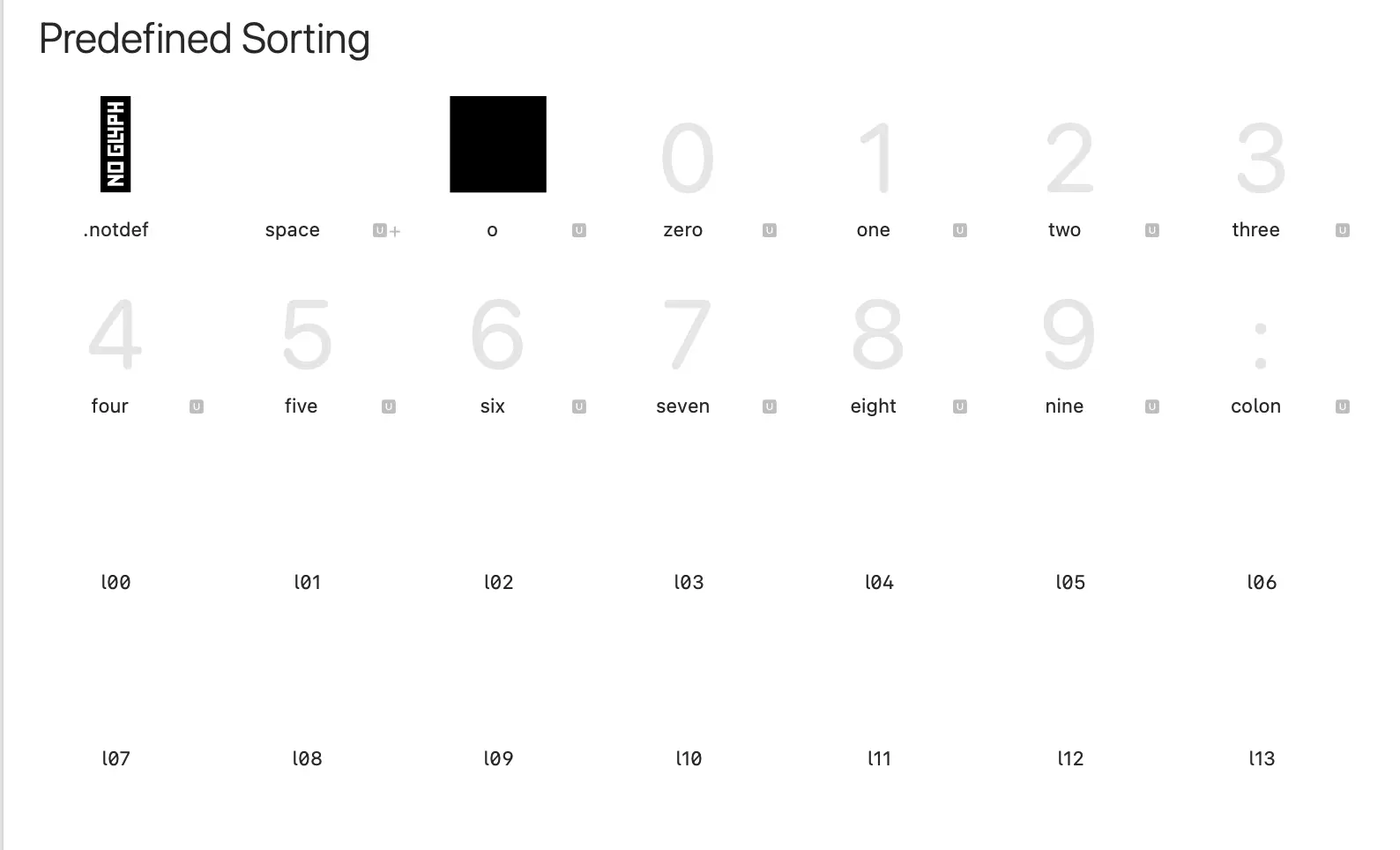
So it begins.
03 Zero Documentation
Glyphs is a brand new product for me, so basically everything was unknown territory. I searched for tutorials, but this SVG color font thing is so niche that literally no one talks about it or uses it like this. I found exactly one post about the workflow: Creating an SVG Color Font on the Glyphs website.
At first, I thought it was my export configuration. AI suggested I needed to enable SVG table export, so I tried that. Didn't work.
So I figured: since the repo-provided font has all the right settings, why not just use its settings and swap one of the fonts with my SVG to see if it works?
Didn't work.
So maybe it's not about the SVG table... but maybe it still is? At this point, there were just thousands of variables. Export settings, SVG format, file structure, font format—literally anything.
04 Simpler Icon
I thought: why don't I use some simple icons? Simpler SVGs should work, right?

It didn't work. (At least I thought it didn't work—more on this later.)
I was so lost. The tutorial article made it seem so straightforward, it didn't even mention exporting SVG tables or any special configurations.
So I decided to try the file format. The example project exported the custom font as .ttf, but the tutorial used .otf. I switched to .otf.
Still didn't work.
05 Rage Quit
So I gave up.
For a couple hours, I researched other widget animation methods. I only found two alternatives, and after evaluating both, I was convinced that no matter what, this custom font approach was necessary.
So I came back...
06 Following the Tutorial Exactly
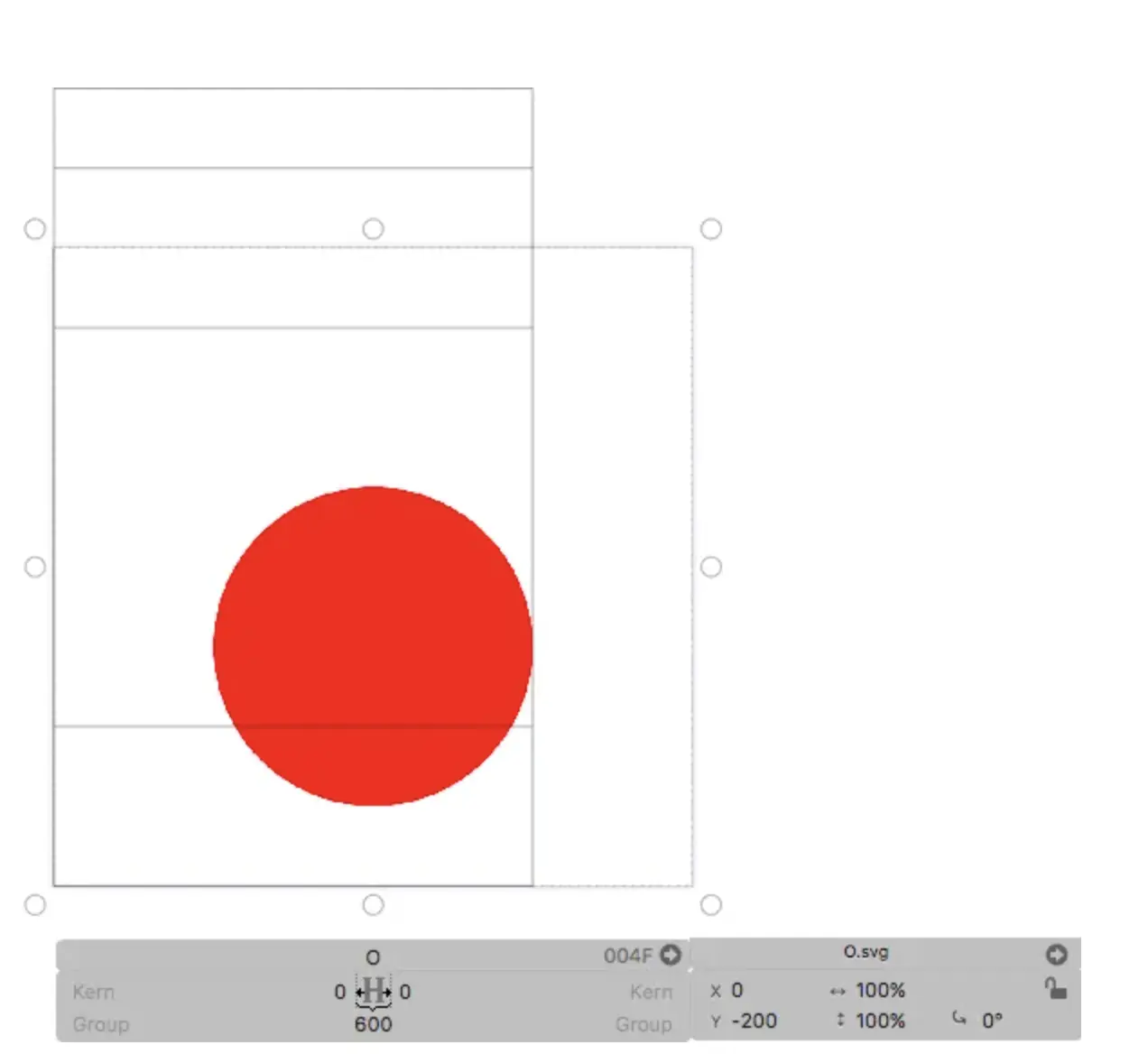
I decided to follow the tutorial exactly, same sample SVG file, same file structure, same workflow.
It worked!
So now it was time to eliminate variables one by one.
First, I changed the filename. In the tutorial, they used O.svg for the letter O. I renamed it to something else.
Still worked. Good, not a filename or file structure issue.
Then I created another character, G, using a duplicated copy of the same SVG file.
It didn't work. Again.
07 SVG Version Theories
Remember that Iconify icon I said didn't work? Well, since a simple icon failed, the problem must be coming from the SVG itself.
I opened my editor and compared the icon SVG to the tutorial SVG. The tutorial SVG specified SVG version 1.1, so I suspected that maybe the icon used advanced syntax that Glyphs doesn't support.
But here's the thing—the icon only used tags from version 1.1. So... WTF?
I started experimenting with the tutorial's tags, trying to find the breaking point where Glyphs would fail. Turns out... nothing broke. I stripped the SVG down to its bare bones, and it still worked.
So it wasn't about SVG version 1.1 tags. Probably.
08 When Your Debugging Tool Fails You
Here I need to talk about my debugging workflow. I'd export the font and install it to view in Font Book on my Mac.
But I noticed something: sometimes even after installing a brand new font, Font Book would still show the old version. Very suspicious.
I force-quit Font Book, reinstalled the font with the simple icon, and it worked!
Did not see this coming—that Apple's own app would fail me like this. But after developing an iOS app for a while, I've kinda gotten used to Apple software doing Apple things.
My debug workflow became:
1. Delete old font file
2. Export new font
3. Delete installed font from Font Book
4. Force quit Font Book
5. Reinstall font
09 The Size Mystery
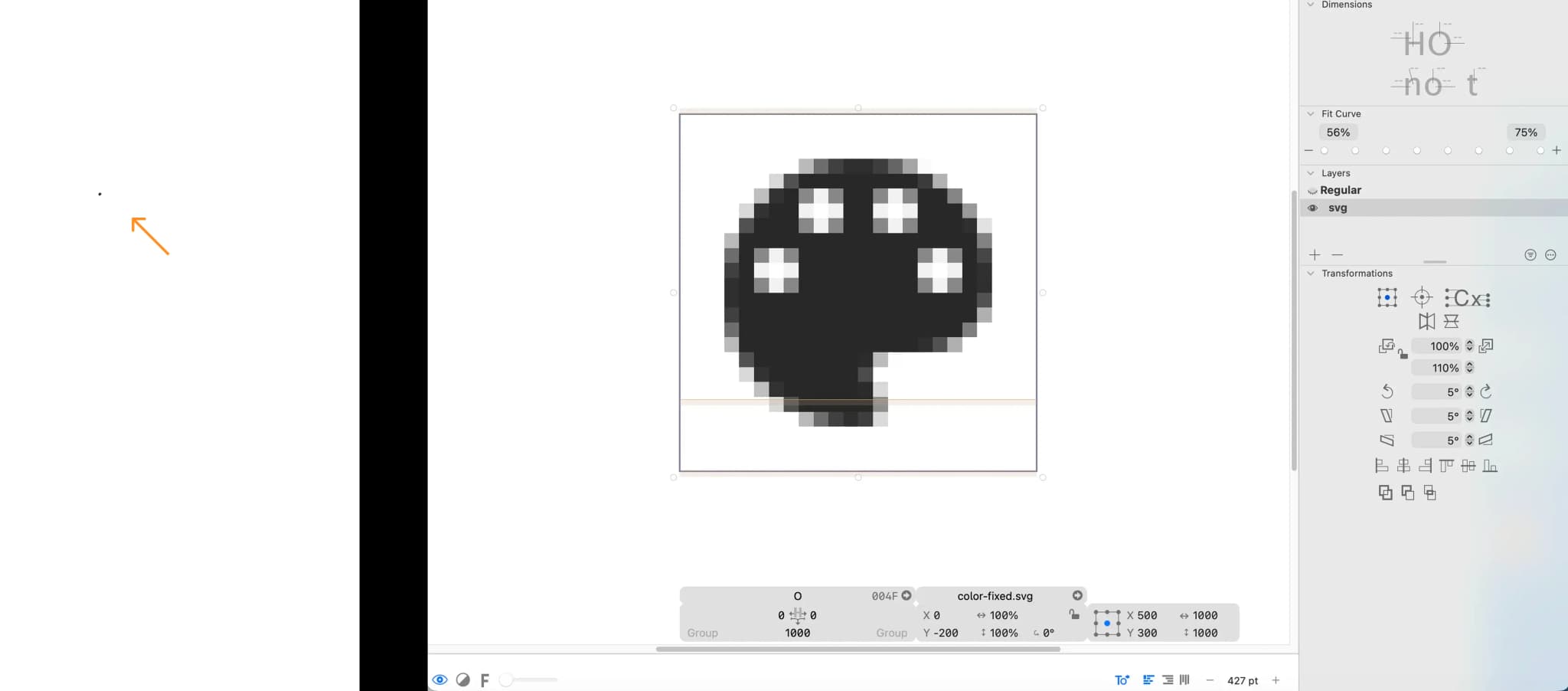
After fixing the Font Book caching issue, the Iconify icon sort of worked. But the icon was 20×20 pixels, and as it turns out, Glyphs doesn't automatically scale the SVG to match what you see in the editor.
See, the icon was there, it was just extremely small. Basically invisible.
So, I coded the SVG to scale it up. Now the simple SVG icon works in my Font Book!
10 SVG Version Theories (Round 2)
At this point, I still wasn't sure if SVG version was actually a constraint. So I created some SVGs using tags beyond version 1.1.
They also worked.
OK, so SVG version is NOT a problem.
Well, if the SVG version isn't the problem, then why doesn’t my SVG file work???
11 Another Size Mystery
So, what if it's about file size?
The SVG I was trying to import wasn't even my final asset, just a test. But it was an image converted to SVG, and the file size was 2MB. All the other working SVG files were under 300KB.
So I had AI create 5 SVGs ranging from 100KB to 500KB and tested each one.
Turns out, SVGs exceeding 500KB get completely ignored by Glyphs. They just don't show up in the exported .ttf file. No warning or error message, they just vanish.
So yeah, that's it.
If you ever need to do this thing and it doesn't work, hopefully this saves you a few hours…